Demos
SVision3 ships several standalone demo applications and tools under
demo/ and tools/ in the repository. Each one is a real, runnable
program that exercises a different slice of the toolkit — good places to
read real code, or to run and poke at directly.
Screenshots aren't included here yet — this page just describes what each
demo does. Build any of them with cmake --build build/Release --target <name>
(see the tutorial) and run the resulting binary from the
repository root.
demo
A general widget showcase window (demo/demo1.cpp) — buttons, checkboxes,
comboboxes, list views, an icon grid, an HtmlView, menus, and file
dialogs, all in one window. A good first stop for seeing a broad set of
widgets wired up together.
demo_declarative
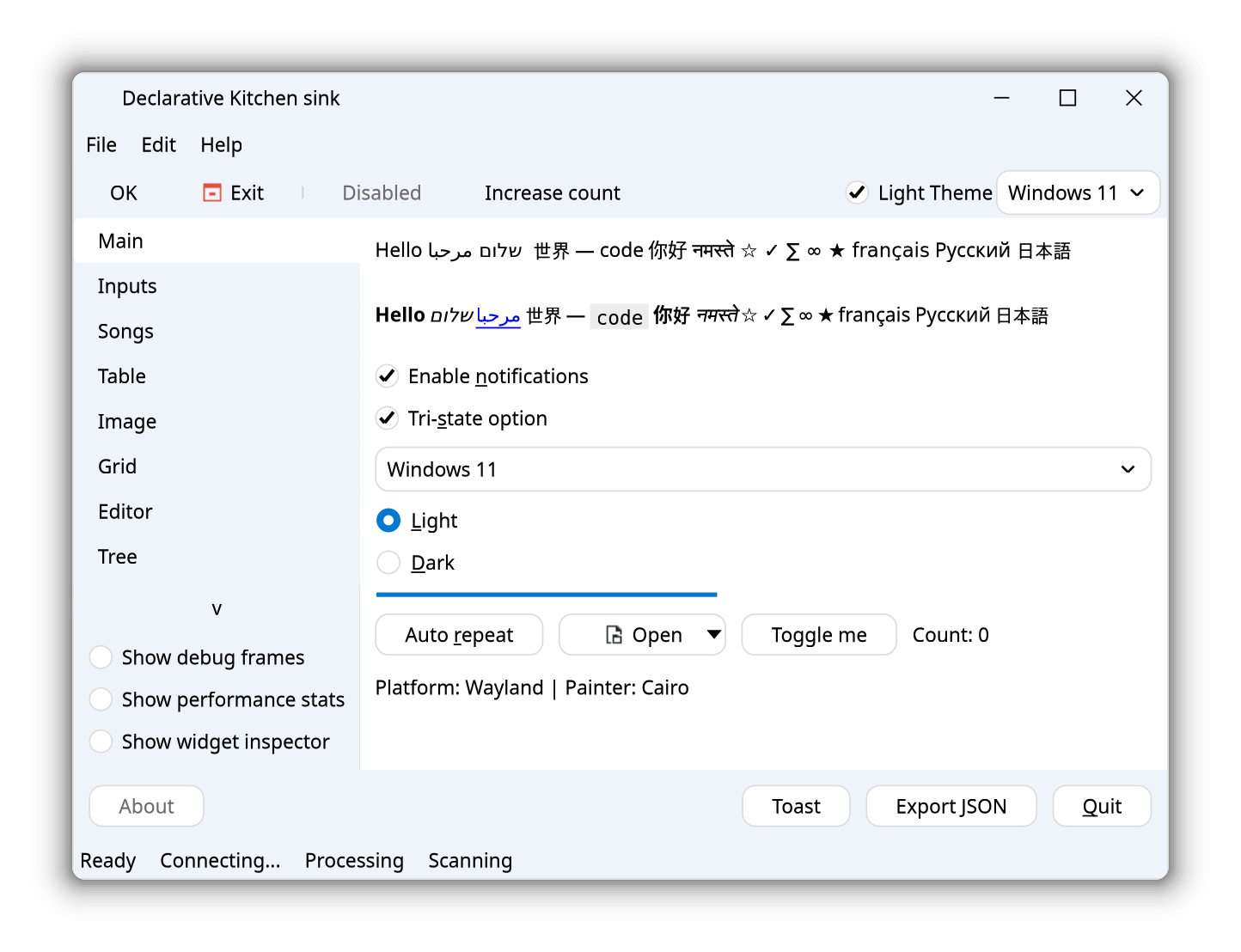
Port of demo to Declarative API (demo/demo_declarative.cpp`).
It has the exact same functionality as the first demo. Showcases how the declarative
API produces the same binary, using a smaller code base (in this example 200 lines less).
demo_dock
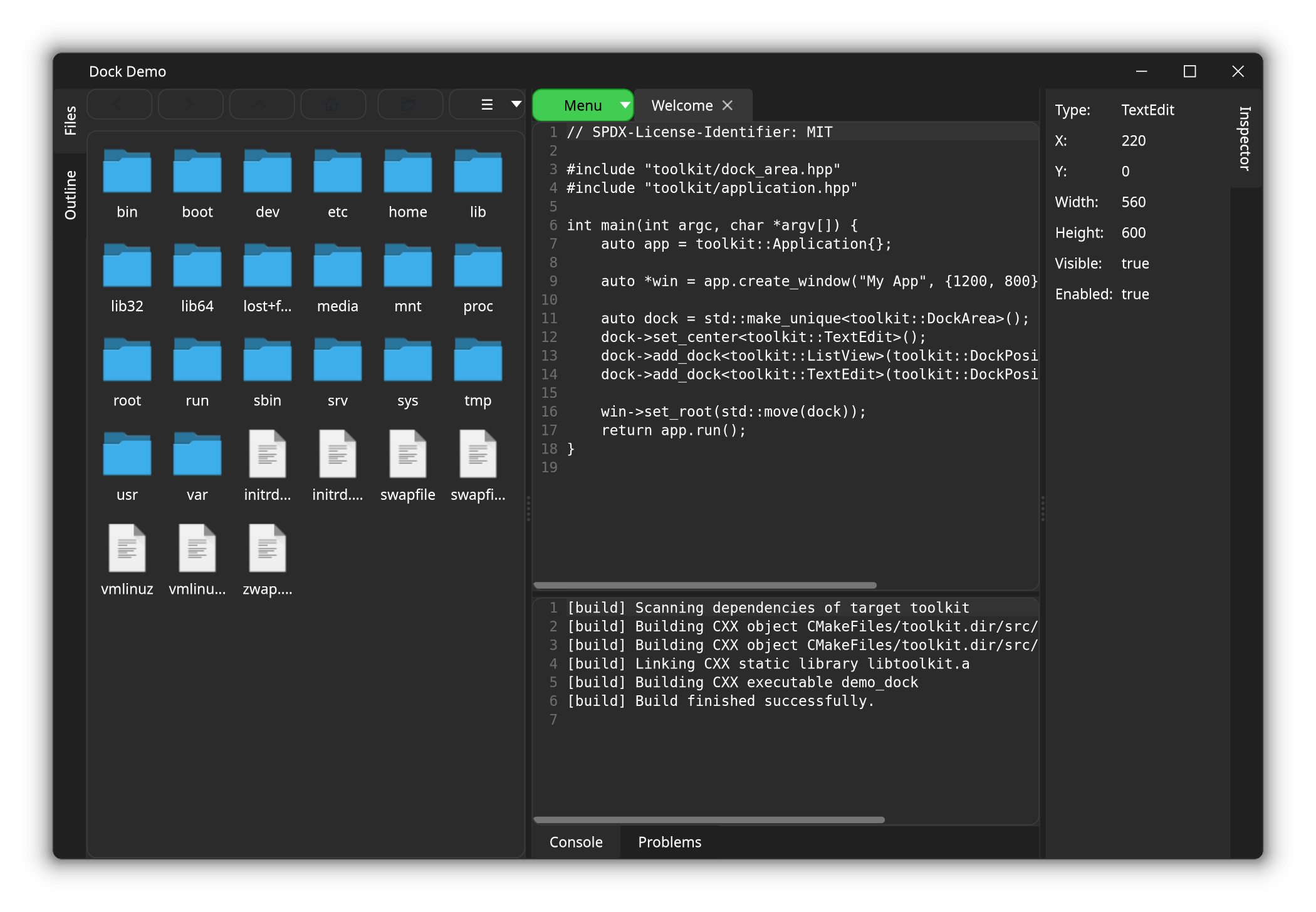
A focused example (demo/demo_dock.cpp) of building an IDE-style layout
with DockArea — a center editor with dockable
outline, inspector, and console panels around it, each independently
resizable.
demo_tray
A minimal system tray example (demo/demo_tray.cpp): a
TrayIcon with a right-click action menu, backed
by a small window it shows and hides.
stock_viewer
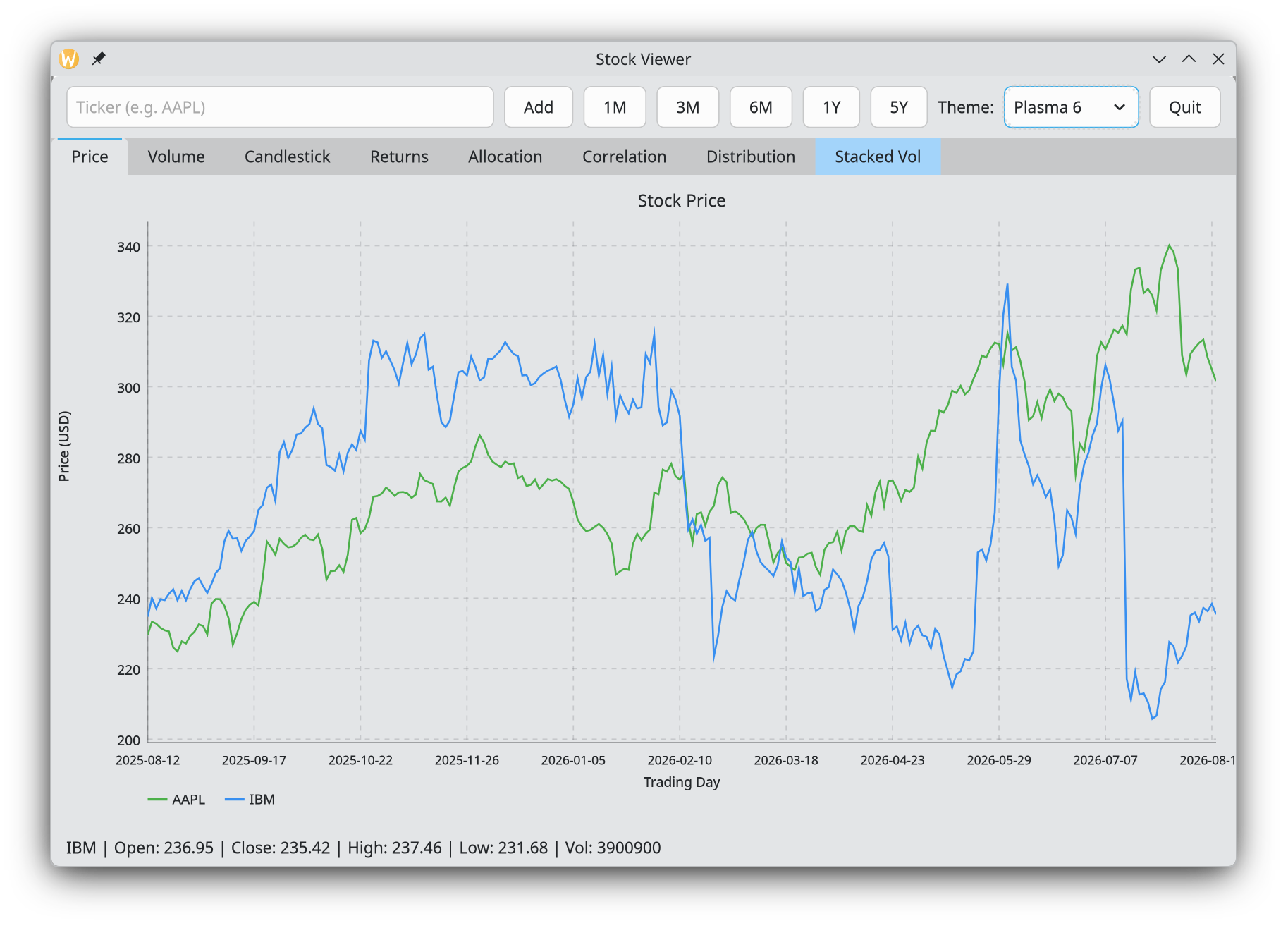
A small real-world app ([demo/stock_viewer.cpp](https://github.com/diegoiast/svision3/blob/main/demo/stock_viewer.cpp)) that fetches live stock
data over HTTP (toolkit::net) and renders it with the
declarative chart API — price and volume line charts
plus a candlestick chart, with a ticker input to fetch new symbols on
demand.
task_manager
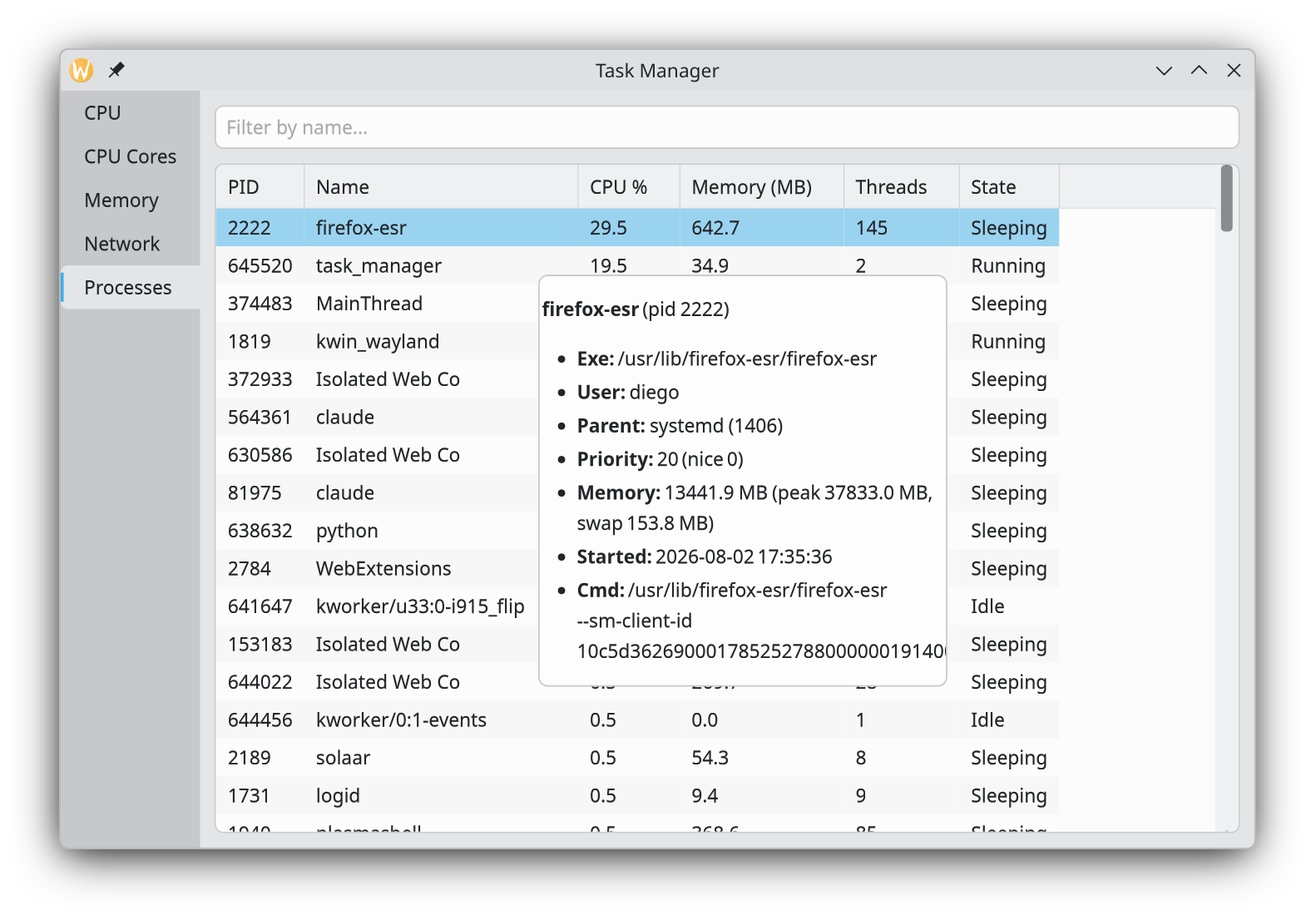
An OS task-manager clone (demo/task_manager.cpp): live CPU (including a
per-core grid, like Windows Task Manager's "Logical processors" view) and
RAM usage charts, plus process and network tabs — a good example of
polling live system data into charts and a TableView on a timer.
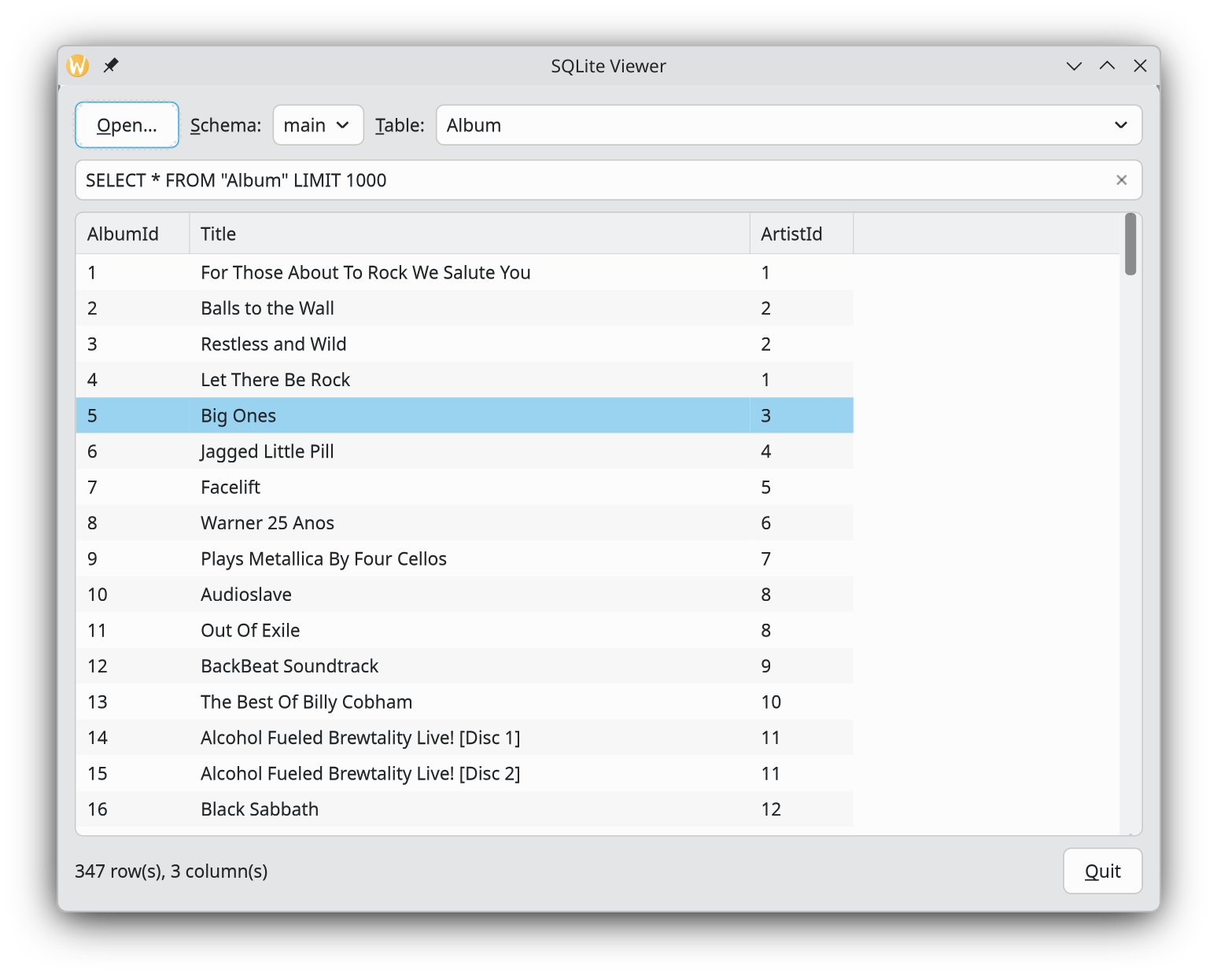
sqlite_viewer
A simple SQLite3 database viewer (demo/sqlite_viewer.cpp) — open a
.db file, pick a table, and browse its contents in a TableView.
Demonstrates the db::Connection API documented under
Data & networking.