FileBrowserWidget
#include "toolkit/file_browser_widget.hpp"
A full file-browser panel — path bar, back/forward/up navigation, list/
icon/detail view modes, and optional dialog chrome (filename field,
OK/Cancel) — used to build FileDialog and
DirectoryDialog, and reusable standalone in
"browser mode". Inherits VBoxLayout.
Features:
- Home/up/back/forward navitation
- Menu to hide/show hidden files.
- Option to show icons, list, or details
- Right click menu
- macOS
- Material
- Windows 11
- Windows 95
- Plasma 6
- GNOME
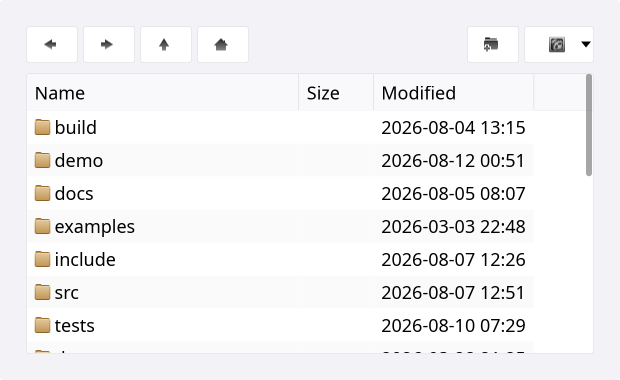
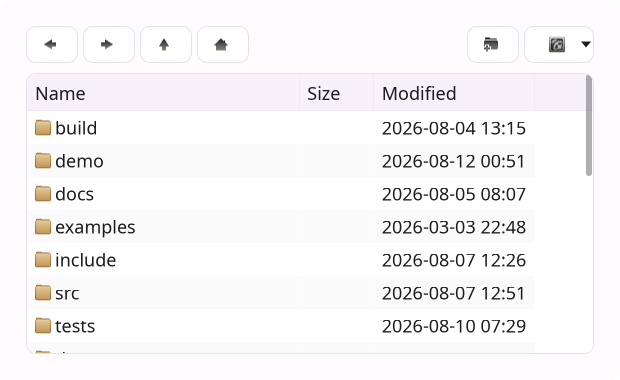
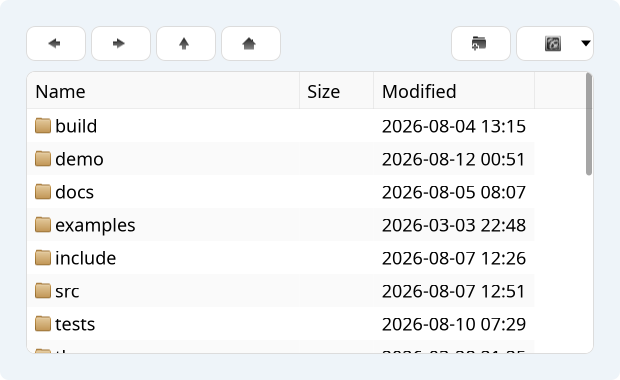
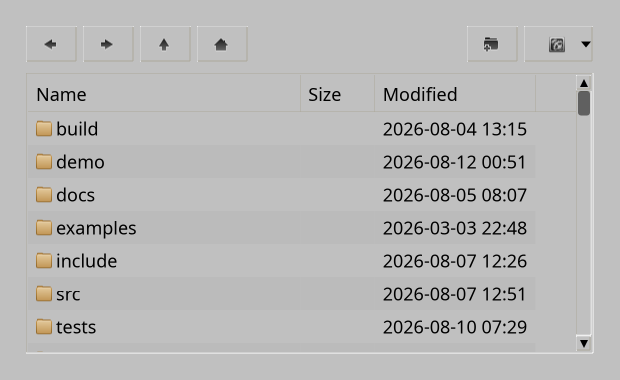
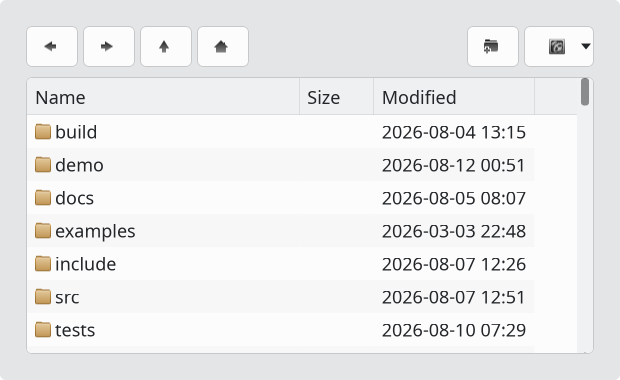
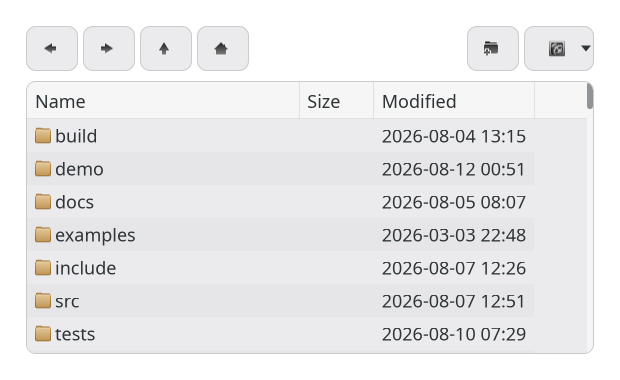
Example
auto browser = std::make_unique<toolkit::FileBrowserWidget>();
browser->set_browser_mode(true);
browser->navigate_to("/home/user/projects");
browser->on_file_activated = [](std::string const &path) { open_file(path); };
Construction
FileBrowserWidget();
API
| Member | Description |
|---|---|
set_current_path(std::string) / navigate_to(std::string) (alias) / current_path() | Current directory |
navigate_home() | Jump to the user's home directory |
set_filename(std::string_view) / selected_path() | Filename field (dialog mode) |
set_ok_label(std::string_view) | Label for the OK button |
set_browser_mode(bool) / browser_mode() | Hide the filename/OK/Cancel bar to use as a plain embedded browser |
set_sort_order(SortOrder) / sort_order() | Name | Time |
set_dirs_first(bool) / dirs_first() | List directories before files |
set_show_hidden(bool) / show_hidden() | Show dotfiles |
set_file_must_exist(bool) / file_must_exist() | Validate the selected file exists (dialog mode) |
set_view_mode(ViewMode) / view_mode() | List | Icons | Details |
icon_grid() → IconGrid* | Access the underlying icon grid for further customization |
Callbacks
| Callback | Description |
|---|---|
on_file_activated — std::function<void(std::string const &path)> | A file was opened/double-clicked |
on_path_changed — std::function<void(std::string const &path)> | Current directory changed |
on_ok / on_cancel / on_up / on_new — std::function<void()> | Dialog-mode button actions |